
QUICK START · SHORT
Creating Projects and Importing PDFs
A quick introduction to creating a project and bringing your first PDF into SimpleSite.
YouTube is loaded only after you press Play.
Choose an app screen, then select any highlighted function to see what it does.
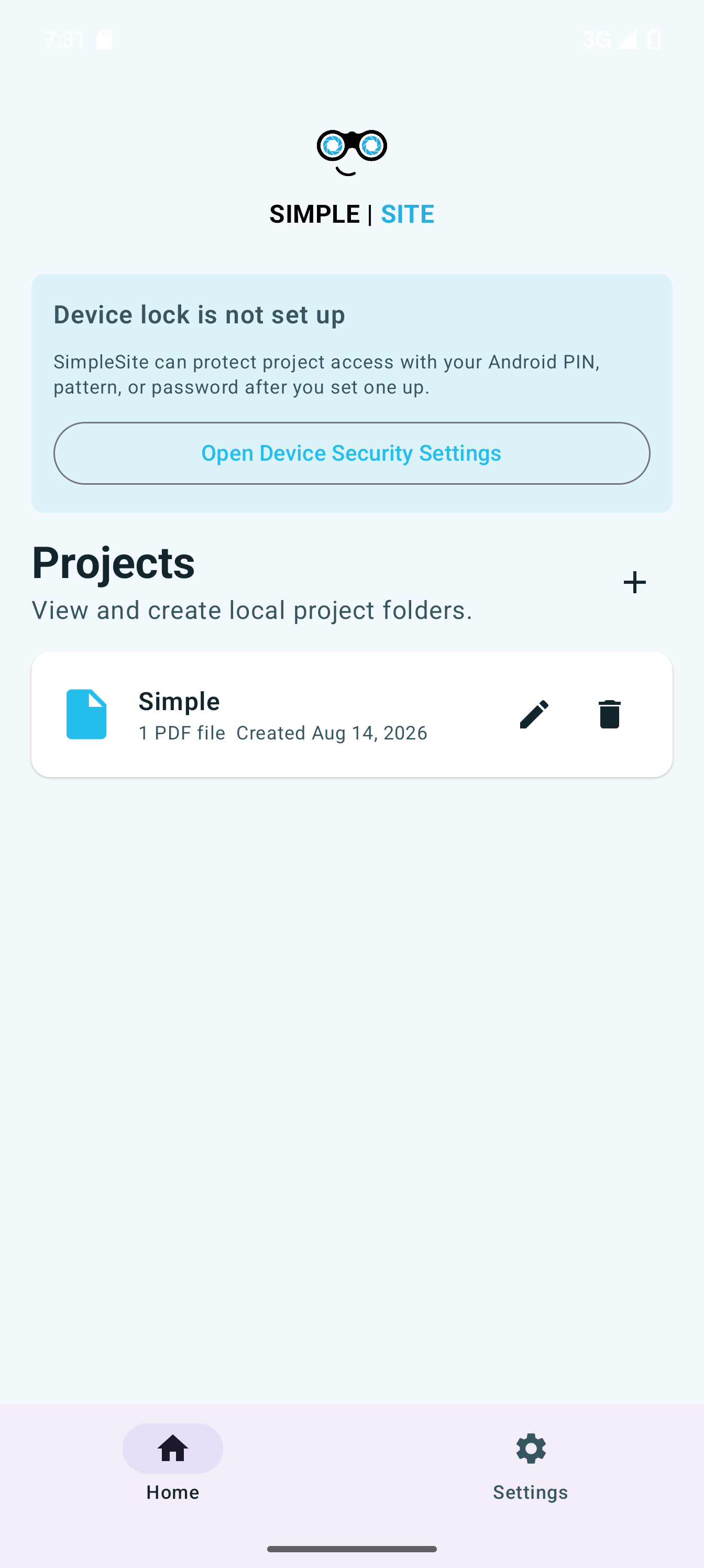
Follow along with practical walkthroughs of the tools you will use on your plans and in the field.
Visit our YouTube channelA quick introduction to creating a project and bringing your first PDF into SimpleSite.
YouTube is loaded only after you press Play.
Choose presets and set markup scaling before you begin drawing.
Tour the drawing, selection, snapping, zoom, and editing tools.
Create, import, and place reusable symbols for faster field markup.
.sstoolset file.Download SimpleSite from the App Store or Google Play. Use the store badge or scan the matching QR code.