
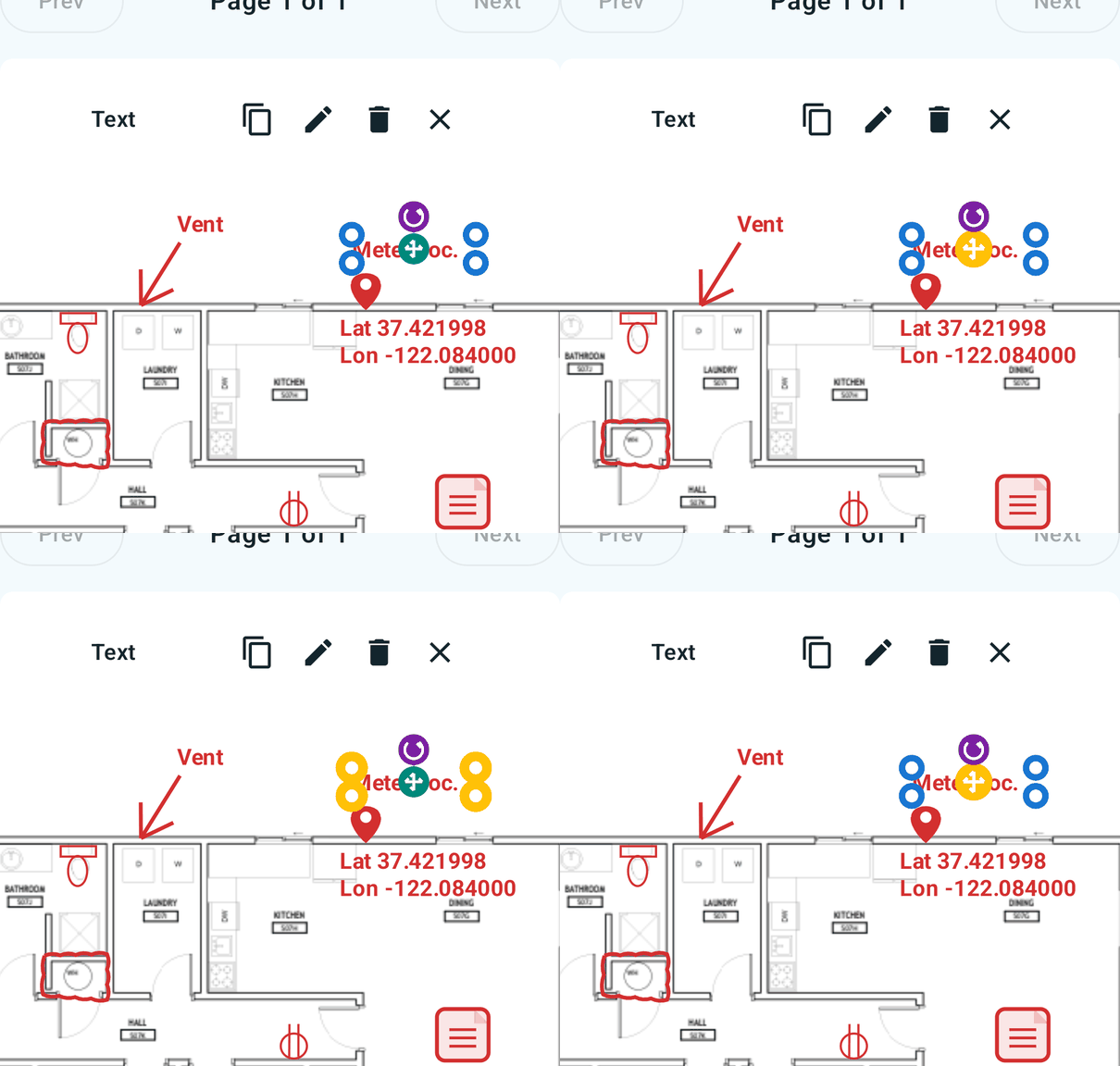
Markup that moves
Open plan PDFs, draw clean field notes, and keep every revision with the project.
SimpleSite puts drawings, field notes, camera points, and trade-specific stamps into one focused Android workspace.
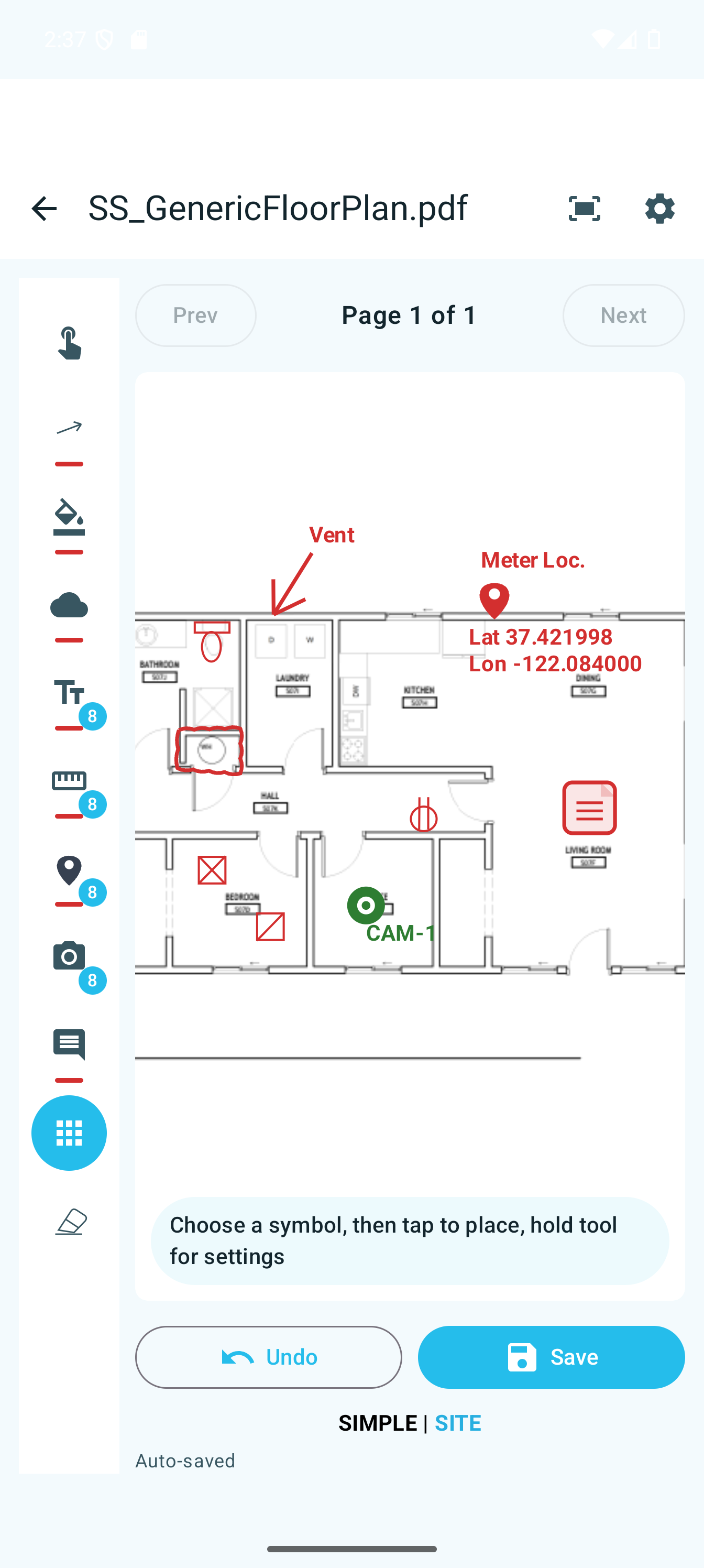
The field doesn’t need another bloated office platform. SimpleSite keeps the essentials close, legible, and fast—whether you’re checking above-ceiling work or closing out a punch list.
Open plan PDFs, draw clean field notes, and keep every revision with the project.
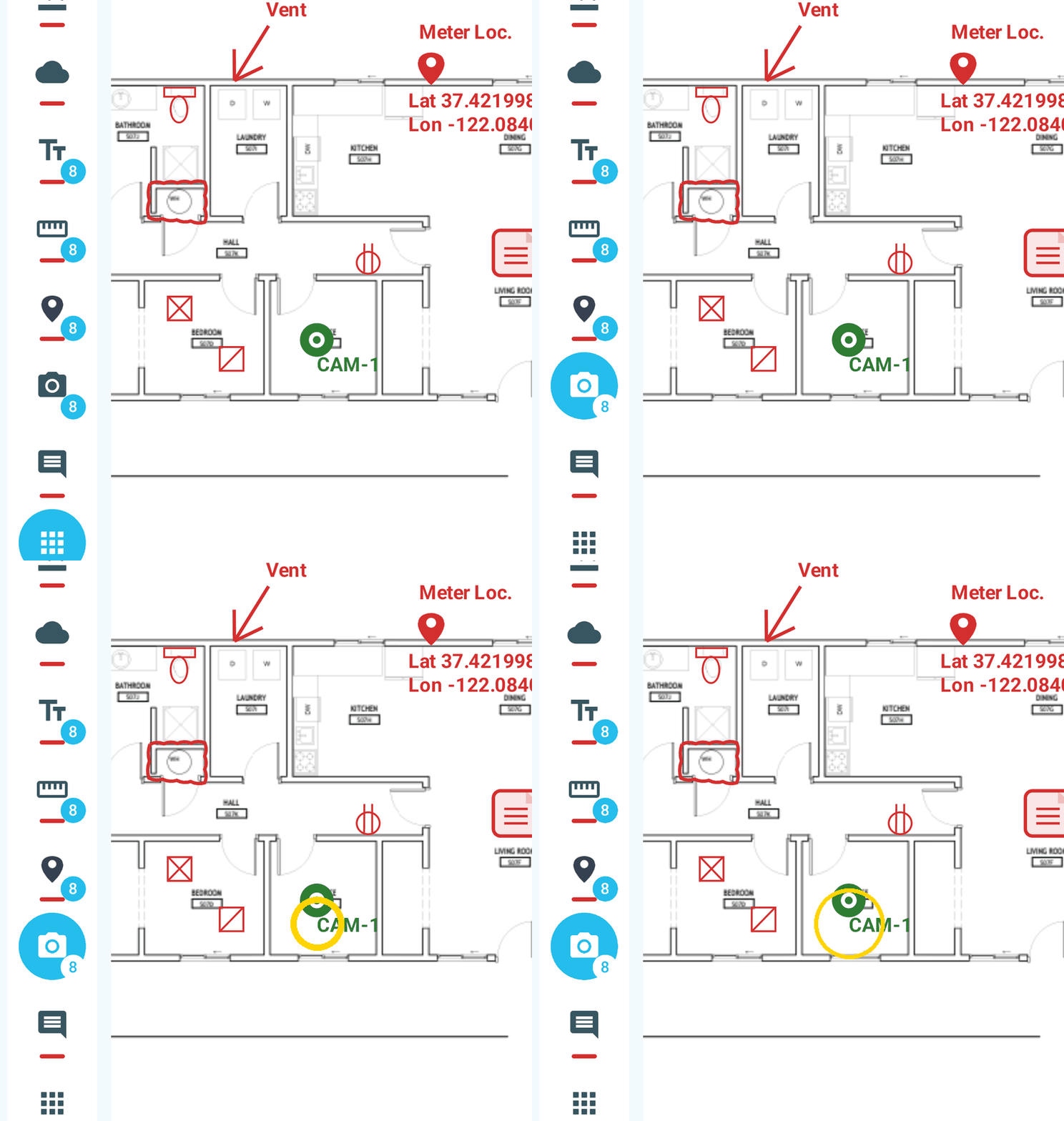
Drop camera points on the sheet so field photos stay connected to exactly where they were taken.
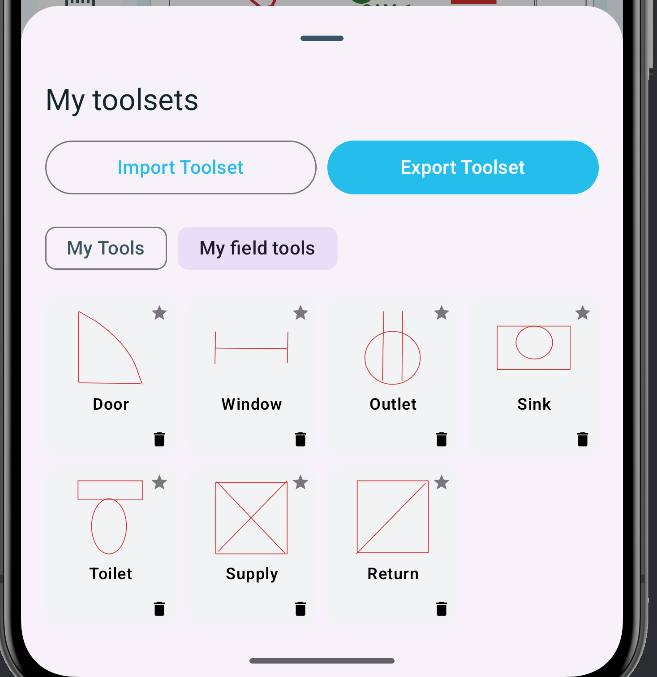
Build reusable stamps for your crew and import an entire toolset in one step.
Draw clean, reusable symbols in your browser. Bundle them into a toolset and import them directly into SimpleSite.
Create Toolset →Place a camera point once. SimpleSite keeps the plan location, field photos, and exported folders connected.
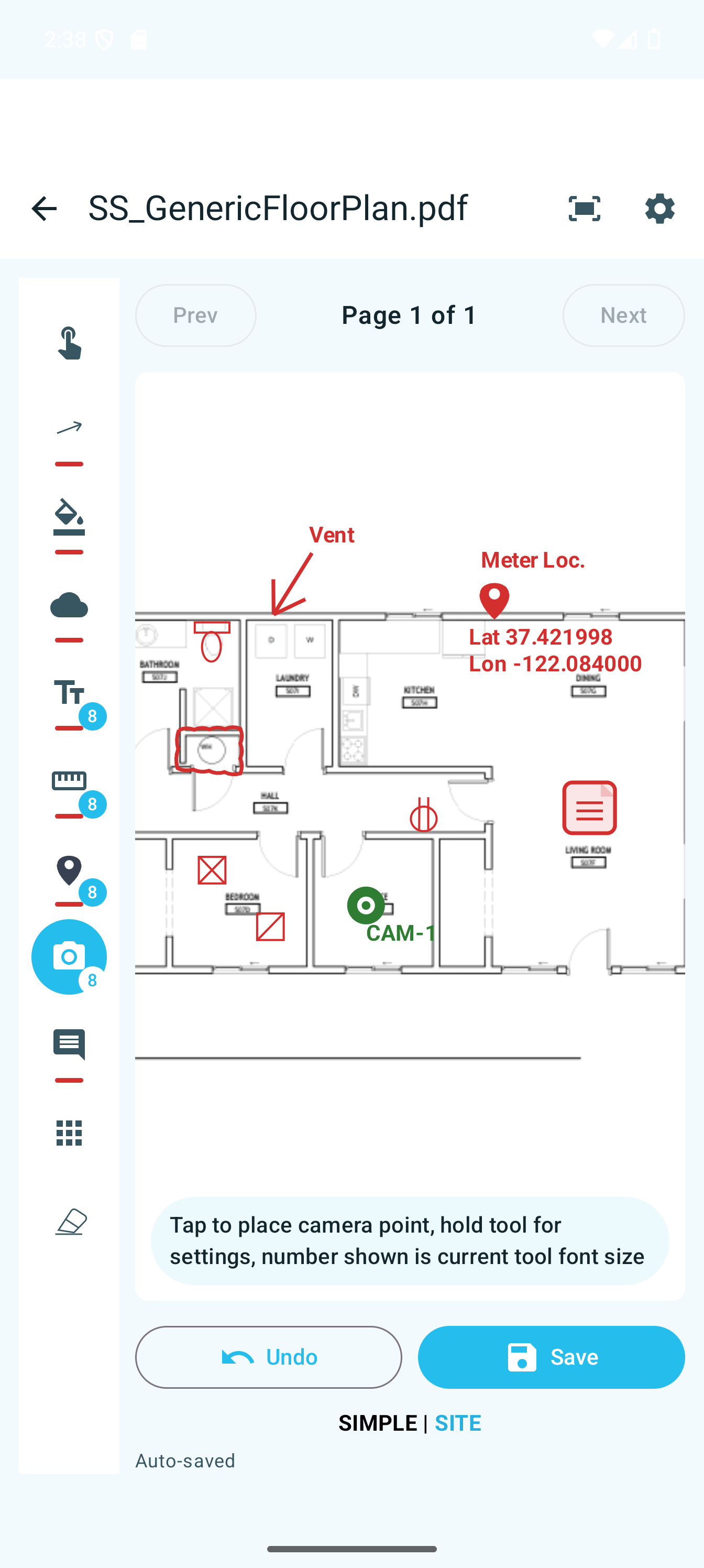
Drop a numbered camera point exactly where the photo belongs.
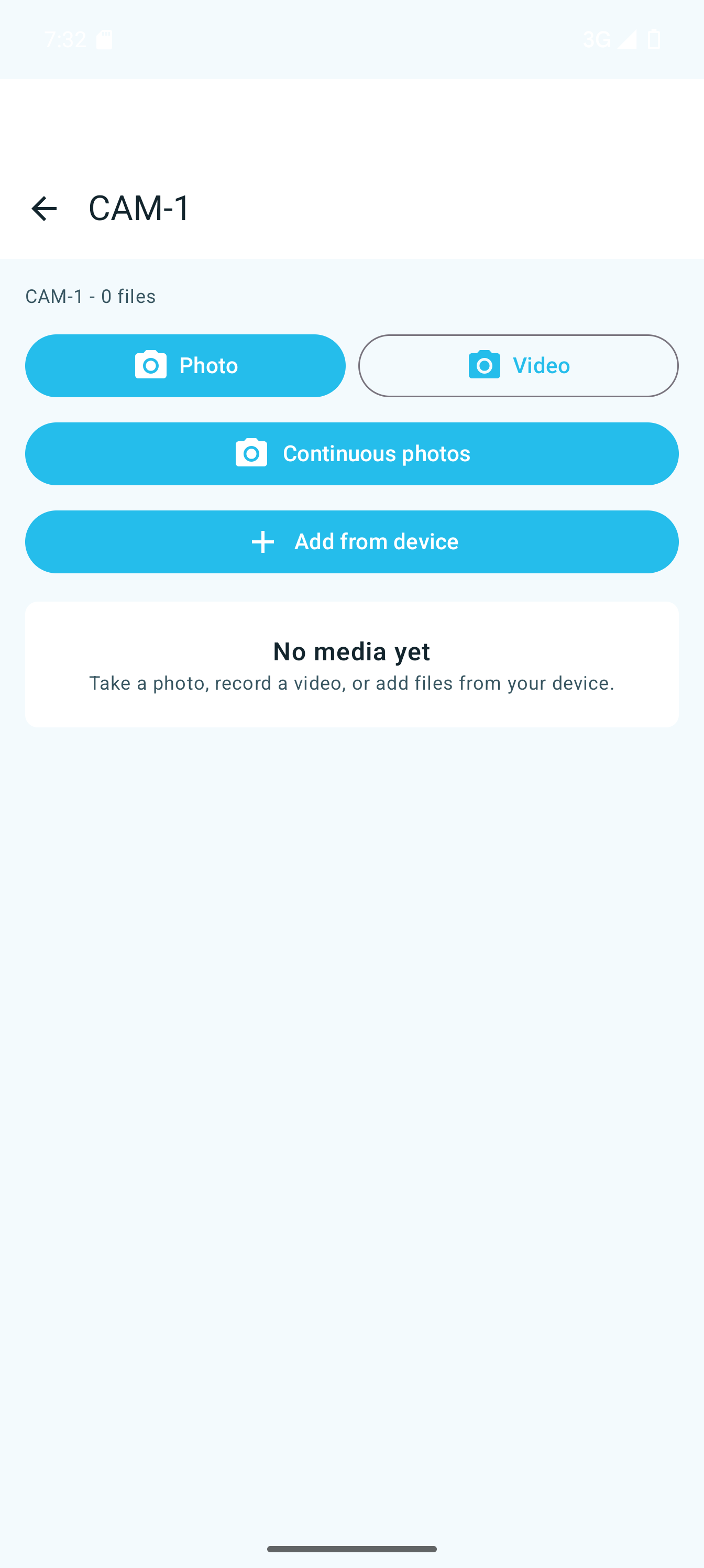
Take or import photos while they remain tied to that plan location.
Photos are grouped by plan and camera point. Camera points stay linked to their photo folders, making it easy to jump from the plan to the photos in supported PDF viewers.
Download SimpleSite from the App Store or Google Play. Use the store badge or scan the matching QR code.